
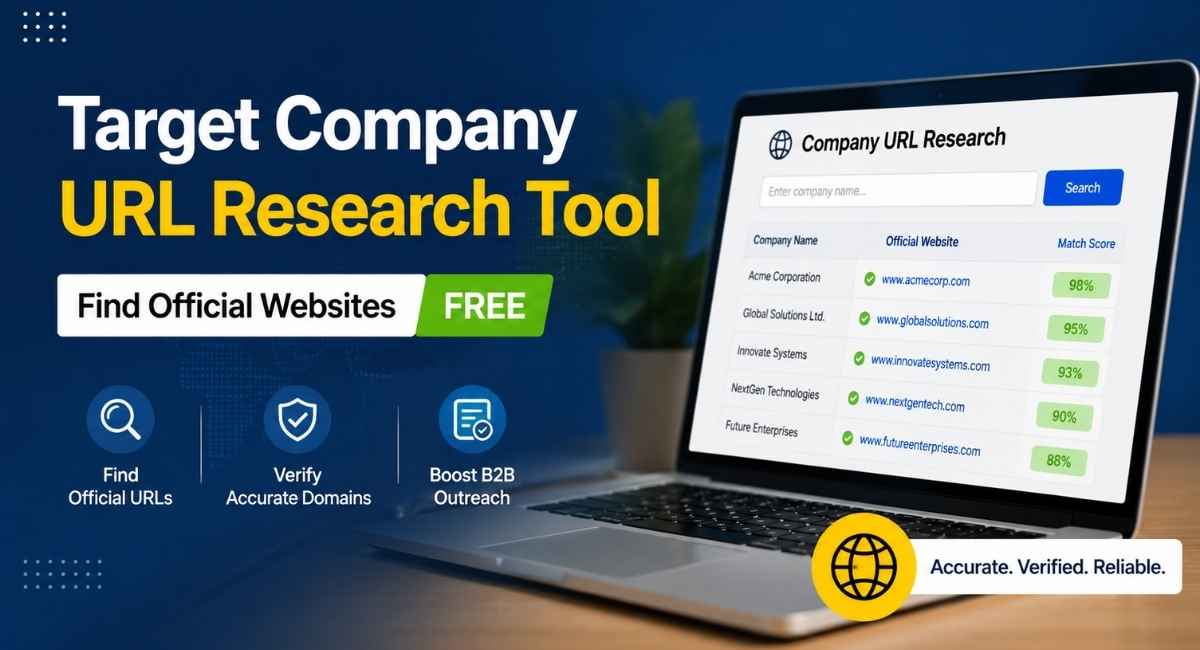
Every sales list starts the same way: a spreadsheet full of company names and a blank column where the website should be. Filling that column sounds simple until you hit a common business name, a company that rebranded last year, or a subsidiary buried under a parent company nobody mentioned.
That gap between “I know the company name” and “I have the verified domain” is where target company URL research comes in. Done manually, it’s a string of Google searches and guesswork. Done right, it’s a repeatable process that turns a messy list into clean, CRM-ready data in minutes.
This guide walks through why that process matters, what a good lookup tool actually does, and how to handle the tricky cases, ambiguous names, missing domains, rebranded companies, that trip up even experienced sales teams.
Why Target Company URL Research Matters for B2B Success
Ask any sales development rep how they spend their Monday mornings, and a chunk of it usually goes to something nobody talks about at team standups: hunting for the right website. A prospect list comes in with fifty company names, no domains attached, and now someone has to manually Google each one, hoping the first result isn’t a directory listing, a news article, or a company with a nearly identical name in a different country.
This is target company URL research in its most basic form matching a business name to its actual, verified website. It sounds trivial until you’re the one doing it at scale.
The stakes are higher than they look. A single wrong domain can send an entire outreach sequence to the wrong company, tank email deliverability if the domain doesn’t exist, or quietly corrupt a CRM record that a marketing team later builds a campaign around. Multiply that by a few hundred leads, and what should have been a quick prospecting task turns into a data quality problem.
Here’s where it actually bites:
- Sales prospecting — reps need the correct domain before they can find decision-makers, verify company size, or personalize outreach.
- CRM data enrichment — a company record without a verified website URL is missing the anchor point for everything else: firmographics, tech stack, funding data.
- Account-based marketing — targeting the wrong domain means ads and content reach nobody relevant.
- Data analysts and marketing operations — stale or duplicated company lists compound over time if nobody catches bad domains early.
The problem gets messier with certain company types. Businesses with common names, recently rebranded companies, multinational firms with country-specific domains, and corporate subsidiaries operating under a parent company’s structure all create ambiguity that a plain search engine query doesn’t resolve well. A search for “Meridian Consulting,” for instance, might surface a dozen unrelated businesses before the one you actually want.
That’s the real value of a dedicated company domain lookup process — it replaces guesswork with verification. Instead of trusting the top search result, you’re cross-checking company information against a live company database, confirming the match, and moving on with confidence instead of a nagging feeling you picked the wrong site.
Key Features of the Target Company URL Research Tool
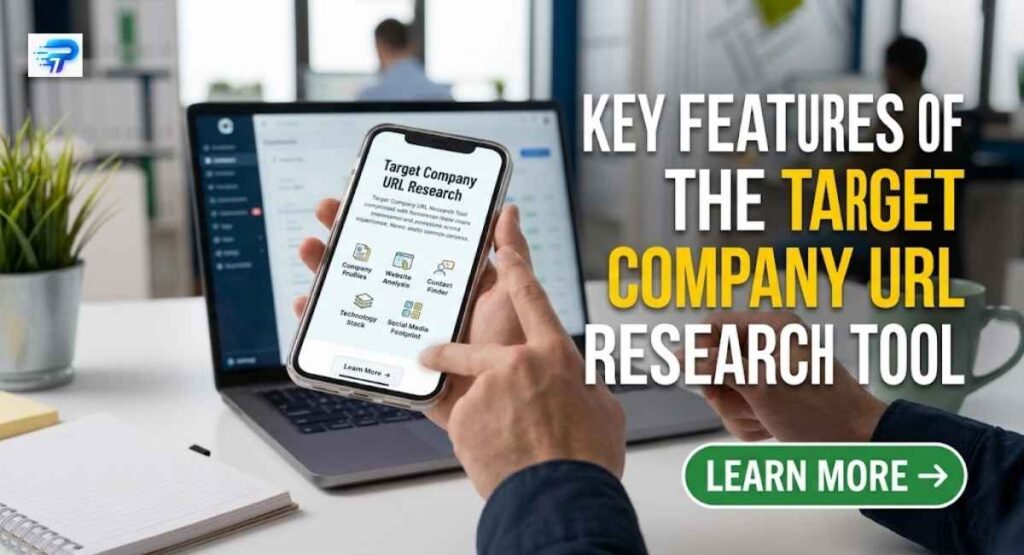
A solid company URL research tool does more than return the first Google result. It cross-references company names against a structured database, assigns a confidence score to each match, and flags anything that needs a second look before it lands in a CRM.
That confidence scoring is the part most manual research skips entirely. Instead of a flat “here’s a URL,” the tool tells you how sure it is, which matters when you’re processing hundreds of company names at once.
| Feature | What It Does |
|---|---|
| Match score / confidence score | Rates each domain match as high, medium, or low confidence |
| Bulk company lookup | Processes company names one per line, in bulk |
| Alternative domain suggestions | Surfaces backup options for ambiguous company names |
| CSV export / spreadsheet export | Sends cleaned data to CSV, Excel, or Google Sheets |
| Careers page finder | Locates the company careers URL alongside the main domain |
| No-sign-up access | Free company URL lookup without account creation |
Beyond the core matching engine, most tools also support CRM integration so verified domains flow directly into sales data management workflows, cutting out the manual copy-paste step that introduces errors in the first place.
Step-by-Step Guide to Effective Domain Discovery
Good domain discovery follows a repeatable process rather than a case-by-case scramble. Start with a clean input list, run it through matching, then review anything the system isn’t fully confident about.
The order matters here. Skipping the review step is how incorrect domains slip into a CRM unnoticed, only to surface weeks later as bounced emails or misdirected outreach.
- Prepare the list — remove legal suffixes (Inc, LLC, Ltd) and standardize company names before lookup.
- Run the bulk lookup — paste company names one per line for automated domain discovery.
- Sort by confidence — separate high confidence matches from medium and low confidence ones.
- Review flagged entries — check alternative domain suggestions for ambiguous company names.
- Cross-check manually — for anything still uncertain, verify against the official LinkedIn company page or corporate registry.
- Export the results — push the cleaned dataset to CSV, Google Sheets, or directly into CRM records.
This workflow turns what used to be manual Google searches, one company at a time, into a batch process that a sales development rep or data analyst can finish in minutes instead of hours.
How to Verify a Company Website Is Official
A domain can look legitimate and still be wrong. Verification means confirming the site actually belongs to the company you’re targeting, not a reseller, a franchise, or a similarly named business in another country.
A few checks catch most errors before they matter. The site’s official LinkedIn company page should link back to the same domain. The “About” or “Contact” page should list a headquarters address matching what you expect. And the domain’s branding, logo, and messaging should align with what you already know about the company’s industry classification.
- Match the domain against the company’s official LinkedIn company page
- Confirm the headquarters address listed on the site
- Check for regional website variants (country-specific domains for multinational companies)
- Watch for local operating brands that differ from the parent company name
- Verify the site isn’t a directory listing, news mention, or third-party reseller page
Verified website URLs matter most right before a CRM import. Once bad data enters the system, it spreads into every report, campaign, and dashboard built on top of it.
How to Handle Ambiguous or Missing Company Domains
Some company names simply don’t resolve cleanly. Common names, recently rebranded companies, and businesses operating under a trading name different from their legal name all produce ambiguous or missing matches.
The fix isn’t guessing at the first search result. It’s narrowing the search using context the lookup tool didn’t have, like industry, location, or parent company relationship.
- Common company names: add industry or location context to narrow results
- Corporate subsidiaries: search for the parent company first, then locate the subsidiary’s regional website
- Rebranded companies: check for a redirect from the old domain to the new one
- International spelling variants: try both the local-language and English spellings of the name
- Missing domain entirely: check the corporate registry or official LinkedIn page as a fallback source
Advanced Strategies for Enterprise Data Management
At enterprise scale, domain research stops being a one-time cleanup task and becomes an ongoing data hygiene process. Company lists decay fast: businesses rebrand, get acquired, or shift domains after a merger, and a database that was accurate six months ago can be riddled with stale entries today.
The teams that handle this well treat domain verification as a recurring workflow, not a one-off project tied to a single import.
- Schedule periodic re-verification of existing CRM records instead of only checking new leads
- Use API-based company lookup to embed domain verification directly into existing sales or marketing tools
- Segment by confidence score so high-confidence records skip manual review while low-confidence ones route to an analyst
- Track domain changes tied to corporate rebranding or subsidiary restructuring
- Standardize naming conventions across teams so the same company isn’t logged under multiple variations
For organizations managing thousands of accounts, this also means building a feedback loop between sales, marketing operations, and data analysts. When an SDR flags an incorrect domain in the field, that correction should update the central company database, not just one person’s spreadsheet.
Conclusion and Next Steps for Sales Teams
Getting company domains right isn’t glamorous work, but it’s foundational. Every enrichment field, every outreach sequence, and every ABM campaign traces back to whether that initial website match was accurate.
The path forward is straightforward: replace manual, one-by-one searches with a bulk lookup process, trust confidence scores to prioritize review time, and build verification into the workflow rather than treating it as an afterthought. Sales teams that do this spend less time firefighting bad data and more time actually selling.
Frequently Asked Questions
What is target company URL research?
It’s the process of matching a company’s name to its official, verified website domain, typically used before adding a lead to a CRM or launching outreach.
How do I find a company’s official website when the name is common?
Add context like industry, location, or headquarters city to your search, and cross-check the result against the company’s official LinkedIn page.
What does a confidence score mean in domain lookup tools?
It indicates how certain the tool is that a matched domain belongs to the correct company, usually shown as high, medium, or low confidence.
Can I bulk lookup company domains for a large list?
Yes. Most tools support pasting company names one per line and returning matched domains in bulk, often exportable to CSV or Google Sheets.
How do I verify a domain before importing it into my CRM?
Cross-check the domain against the company’s LinkedIn page, confirm the headquarters address on the site, and rule out reseller or directory pages.
What should I do if a company has multiple regional domains?
Identify the correct country-specific domain based on the target account’s actual location, since multinational companies often run separate websites per region.
Why do company domains change over time?
Rebranding, mergers, and corporate restructuring are the most common causes, which is why periodic re-verification matters for long-standing CRM records.

Daniel Carter is a digital content writer and researcher at PrimeTechUpdate, specializing in technology, AI, software, business, travel, and digital trends. He focuses on creating accurate, practical, and easy-to-understand content that helps readers make informed decisions. His work emphasizes clarity, reliability, and a reader-first approach.